
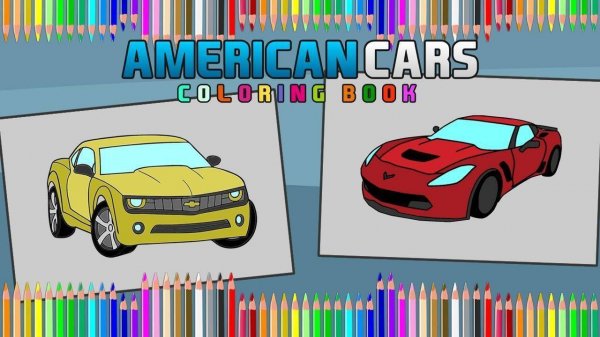
Classic Auto Color Studio
What players say
Classic Auto Color Studio delivers exactly what its name suggests: a simple, ad-free coloring tool built around six car illustrations. The 24-color palette, instant fill, and undo/redo system make experimentation low-risk, while the optional timer adds a light challenge without forcing speed. Saving and printing finished work extends the value beyond the screen. The main limitation is variety—six cars may not hold attention indefinitely—but for short, relaxing sessions, it works well for children and adults alike.
How to play
Choosing a Car to Color
Classic Auto Color Studio opens with a main screen showing six distinct automobile illustrations. Each vehicle has its own set of lines and shapes, so the coloring experience changes depending on which car you select. The thumbnails are large and clearly separated, which makes the selection step easy to understand for younger players. There are no hidden menus or nested categories to navigate before you start coloring.
How the Coloring Works
Once a car is on screen, a side panel displays 24 color options. Tapping a hue selects it, and tapping any section of the car fills that area with the chosen color. The system includes undo and redo functions, so you can reverse a fill or bring it back without losing other progress. This setup encourages trying unexpected color combinations because mistakes are easy to correct. The controls are limited to a few clear buttons: select, color, undo, redo, save, and print.
Timer and Optional Challenge
A built-in timer records how quickly each picture is completed. This adds a light scoring element for players who enjoy speed, but there is no requirement to hurry. You can ignore the timer entirely and focus on the creative process. The scoring rewards efficiency but never penalizes taking longer, so the pace remains under your control.
Saving and Sharing Finished Work
Completed pieces can be saved directly to a device or printed from within the application. This makes it easy to build a personal gallery or share physical copies with friends and family. The save function stores images in a standard format for later viewing or editing. The entire experience remains ad-free and contains no inappropriate material, which keeps the focus on coloring.
Compatibility
FAQ
Comments
Sign in to comment
You must be logged in before posting a review or rating.
No comments yet. Be the first to comment!




Editorial Notes