

Early Listening Playground
What players say
Early Listening Playground is a straightforward listening activity for young children. Its strength lies in the immediate connection between a tapped image and a clear sound, with no scores, timers, or wrong answers to create pressure. The ad-free browser format works on phones, tablets, and computers, making it easy to use in different settings. The main limitation is that it offers a single, simple interaction, so its appeal depends on whether a child enjoys repeated sound exploration.
How to play
How the Sound Matching Works
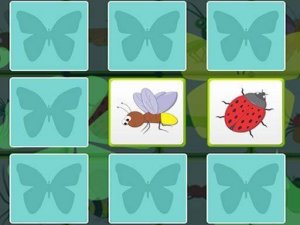
Early Listening Playground presents a clean screen filled with bright, simple images. Each picture stands for a common object, animal, or instrument. When a child taps or clicks an image, a clear audio clip plays immediately. That direct pairing of picture and sound is the whole interaction, and it repeats as often as the child wants. The instant feedback encourages children to keep exploring and helps them connect what they see with what they hear.
Self-Paced Exploration
There are no scores, timers, or wrong choices. Children move through different collections of images at whatever speed suits them. A child can linger on a favourite sound or skip past one that does not hold attention. This self-directed format supports natural curiosity and lets each child focus on the sounds that interest them most. Because nothing is graded, there is no pressure to perform or finish.
Shared Learning Moments
Parents or caregivers can sit alongside and turn the activity into a conversation. Naming each object and talking about the sound it makes extends the learning beyond the screen. The activity runs directly in a web browser, so there is nothing to download or install. It works on phones, tablets, and computers, which makes it practical at home, in the car, or during quiet time. Full-screen mode reduces visual clutter and keeps attention on the task.
Visual and Audio Design
The artwork uses bold, friendly shapes and soft colours that engage without overstimulating. Audio clips are recorded clearly and play at a comfortable volume. The combination of simple visuals and high-quality sound creates a focused environment. The interface supports both touchscreens and a mouse, so children can interact naturally on whichever device is available. The activity is ad-free, so there are no distractions or inappropriate content.
Compatibility
FAQ
Comments
Sign in to comment
You must be logged in before posting a review or rating.
No comments yet. Be the first to comment!




Editorial Notes