
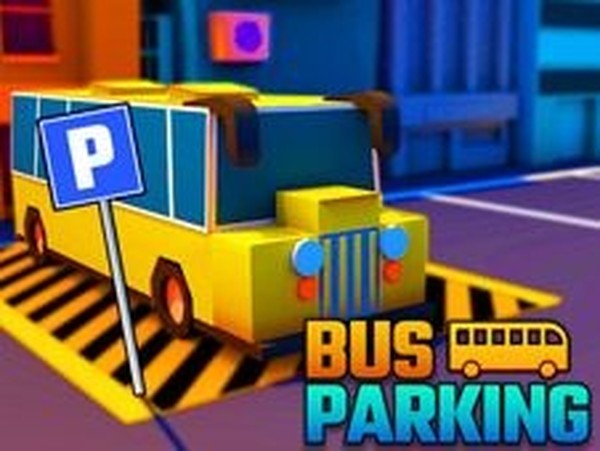
Urban Coach Parking Challenge
What players say
Urban Coach Parking Challenge stands out for its clean interface and thoughtful progression. The arrow-guided routes remove guesswork, letting players focus on steering and positioning. Later levels demand genuine skill as spaces shrink and traffic increases. The health and timer system adds tension without feeling punishing. Controls respond predictably, making each success feel earned. This is a solid choice for anyone wanting to practice spatial reasoning in a low-pressure virtual environment.
How to play
City Navigation Basics
Players control a full-sized passenger coach through a realistic urban environment rendered in three dimensions. The streets feature traffic elements, buildings, and road markings that create an authentic driving atmosphere. Directional arrows painted on the asphalt guide players along the correct path toward each parking zone. The core task involves driving the vehicle to a marked area and positioning it within the boundaries. Success is indicated when the parking space changes color, signaling proper alignment. The game rewards smooth steering and gradual acceleration, as abrupt movements can lead to collisions with surrounding objects.
Progression and Difficulty Curve
As players advance through the game, the parking spaces become narrower and the streets more congested with obstacles. This gradual increase in difficulty ensures that newcomers can learn the controls at a comfortable pace while experienced players find later stages demanding. Each level introduces a new route through the city, requiring players to adapt to different layouts and tighter turning angles. The time limit adds pressure, encouraging efficient route planning without sacrificing precision. Coins placed along the path reward careful observation and provide an incentive to explore alternative approaches.
Control System and Feedback
The vehicle responds to standard keyboard inputs, allowing forward and backward movement along with steering. A health bar tracks the condition of the coach, decreasing with each collision or boundary violation. If the health bar empties or the timer expires, the level must be restarted. This feedback system teaches players to prioritize caution over speed. The controls are designed for immediate accessibility, making the game suitable for players who may not have extensive experience with driving simulators. Practice leads to smoother handling and better time management.
Visual Design and Atmosphere
The 3D city environment includes varied building styles, road textures, and lighting conditions that change with each level. The visual presentation aims for clarity, ensuring that road markings and parking zones remain easy to identify. The interface displays essential information such as remaining time, health status, and current score without cluttering the screen. This clean design helps players focus on the driving task. The overall aesthetic supports the simulation feel without requiring high-end hardware, making the game accessible on a wide range of devices.




Comments
Sign in to comment
You must be logged in before posting a review or rating.
No account? Create one
No comments yet. Be the first to comment!